

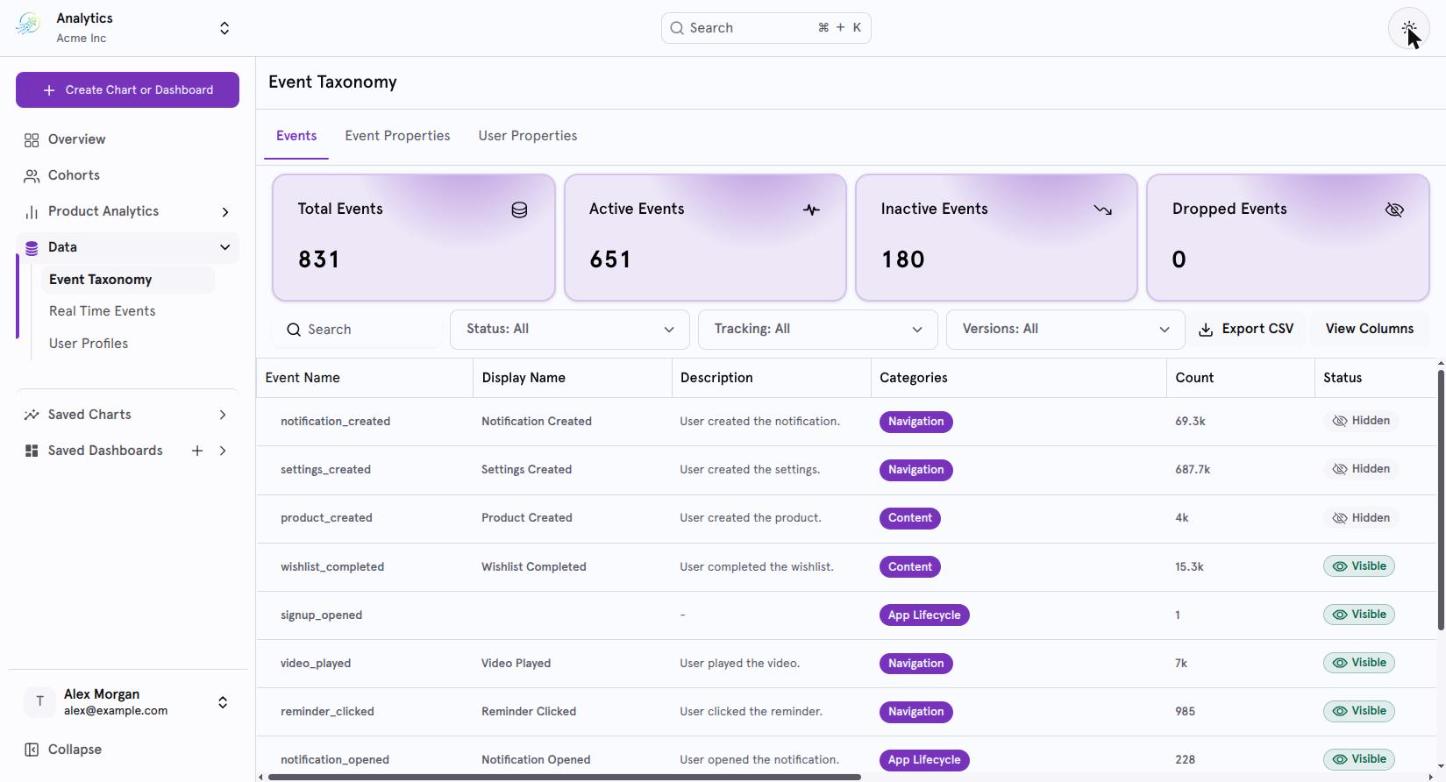
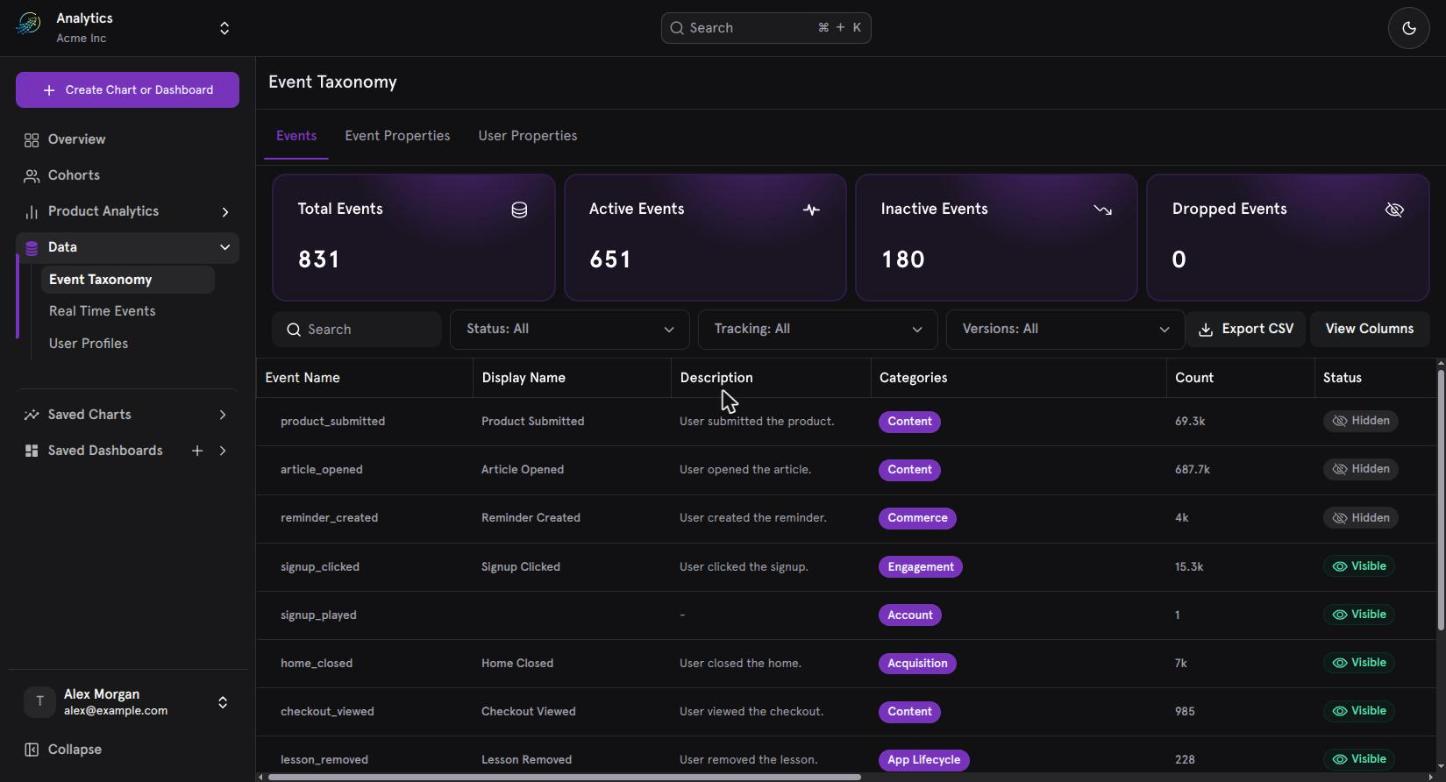
The Events page, showing the KPI cards and the events table.
What Event Taxonomy helps you understand
Event Taxonomy helps answer questions such as:- What events are being tracked?
- Which events are currently active?
- Which events have become inactive?
- Where is an event being used?
- When was an event first or last tracked?
- Which application versions generated an event?
- What properties are associated with an event?
- Is an event visible, hidden, merged, or dropped?
- Who last modified an event’s metadata?
Events Page
The Events page contains four main areas:- KPI Cards
- Search and Filters
- Events Table
- Event Details
KPI Cards
The Events page displays four event-level summary metrics.Total Events
The total number of events in the Event Taxonomy.
Active Events
Unique events that received at least one event in the last 30 days.
Inactive Events
Unique events that received no events in the last 30 days.
Dropped Events
Unique events that have been dropped.
Search Events
Use the search field to find events by:- Event Name
- Display Name
- Description
- Case-insensitive matching
- Partial matching
- Relevance-based result ranking
Filter Events
Filters help narrow the Events Table to the events you want to inspect.Event Visibility
You can filter by:- Visible
- Hidden
- Dropped
Tracking Status
You can filter by:- Active
- Inactive
- Dropped
Category
Filter events by category, such as:- Payment
- Notification
- Other categories configured in the taxonomy
Version
You can filter events by application version. Versions represent the unique app versions in which an event was triggered. For example, if an event was received from:v1.0, v1.1, v2.0
those versions are available for filtering.
Version filtering supports multiple selections.
App version
app_version is a standard system-defined event property.
It is:
- Automatically attached to events.
- Provided through SDK initialization.
Events Table
The Events Table provides a centralized view of event metadata and usage.Customize the Events Table
You can show or hide table columns according to your needs. The default columns are:- Event Name
- Display Name
- Description
- Count
- Status
- Tracking
Event Visibility Status
Event Visibility describes whether and how an event can be used in reports.- Visible
- Dropped
The event is available for selection in charts and reports.
Tracking Status
Tracking Status describes whether the system has recently received the event.
Tracking Status is generated by the system and cannot be manually modified.
Event Details
Select an event from the Events Table to open its Event Detail Page. The page contains:- Details
- Usage
- Event Properties
Details
The Details section contains the event’s metadata.Usage
The Usage section provides information about how the event is being tracked and used.
This section helps you understand both the event’s tracking activity and its usage across reports.
Event Properties
The Event Properties section lists properties associated with the selected event. Each property contains:- Property Name
- Data Type
- Description
Select a property name to open its Event Property Detail Page.
If an event has multiple properties, they are displayed in a scrollable list.
If the event has no properties, the page displays:
No event properties available
Import Events
Event import is supported using a CSV file with predefined columns. The defined import columns are:- Event Name
- Description
- Event Properties
- Invalid column names
- Missing required fields
Export Events
You can export the list of events in CSV format. The export allows the event taxonomy data shown in the Events page to be taken outside the product for further use.Event Actions
History
The History action allows you to view changes made to an event’s details, including who edited the event metadata.Delete / Remove
The PRD defines a Delete/Remove action that permanently deletes the entire event data from the database. This is different from Dropped behavior as currently described:- Dropped: new data is stopped while historical data remains available.
- Delete/Remove: the event data is deleted from the database.
Common Event Management Scenarios
Find an inactive event
- Open Event Taxonomy.
- Filter Tracking Status by
Inactive. - Review the resulting events.
- Open an event to inspect its usage, versions, properties, and reports.
Understand where an event is used
- Find the event using Search or Filters.
- Open the Event Detail Page.
- Review No. of Reports Used.
- Inspect the event’s other usage information.
Investigate an event’s properties
- Open the event.
- Go to Event Properties.
- Review property names, data types, and descriptions.
- Select a property to open its detail page.
Hide an event from new reports
- Open the event.
- Change its visibility to Hidden.
- The event is no longer available for selection in new reports.
- Existing reports using the event continue to function.
Stop incoming data for an event
Use the Dropped state when an event should no longer receive new incoming data. After an event is dropped:- New data is not stored.
- Historical data remains available.
- The event cannot be used in new reports.
- The action can be reversed using Undrop.
Empty States
If no events match the current search or filters, the Events page displays:No events found for the selected filtersIf an event has no associated properties, the Event Properties section displays:
No event properties available
Event Name vs. Display Name
These fields serve different purposes.Event Name
The original tracked event name.- System-generated
- Unique
- Not editable
Display Name
The user-facing name.- Editable
- Intended for readability
- Does not need to be unique
Event Taxonomy at a glance
In summary
Event Taxonomy provides a central place to understand and manage the events tracked in your application. You can:- Search and filter events.
- Monitor Active, Inactive, and Dropped tracking states.
- Review event usage and application versions.
- Manage Display Names, Descriptions, and Categories.
- Understand event visibility through Visible, Hidden and Dropped states.
- Inspect event properties and navigate to property details.
- Review event modification history.
- Import and export event data.
- Manage event lifecycle through supported actions.