

Overview
User Profiles provides a user-level view of analytics data. Instead of looking only at aggregated charts, funnels, or cohorts, you can inspect an individual user’s activity, properties, and event history in one place. User Profiles helps teams:- Explore individual users
- Inspect user and system properties
- Understand individual user journeys
- Investigate specific user issues
- Validate whether events are being tracked correctly
- Inspect the details of individual events
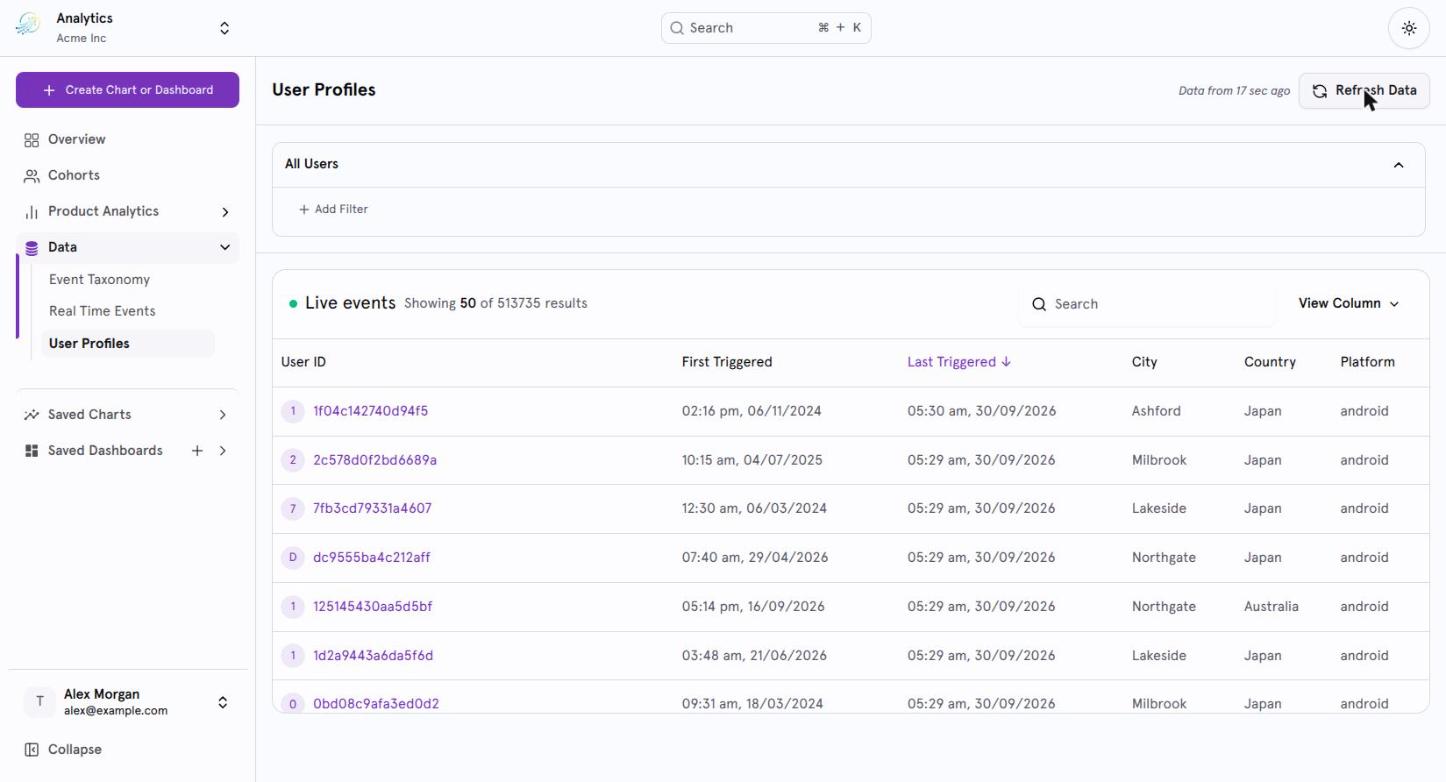
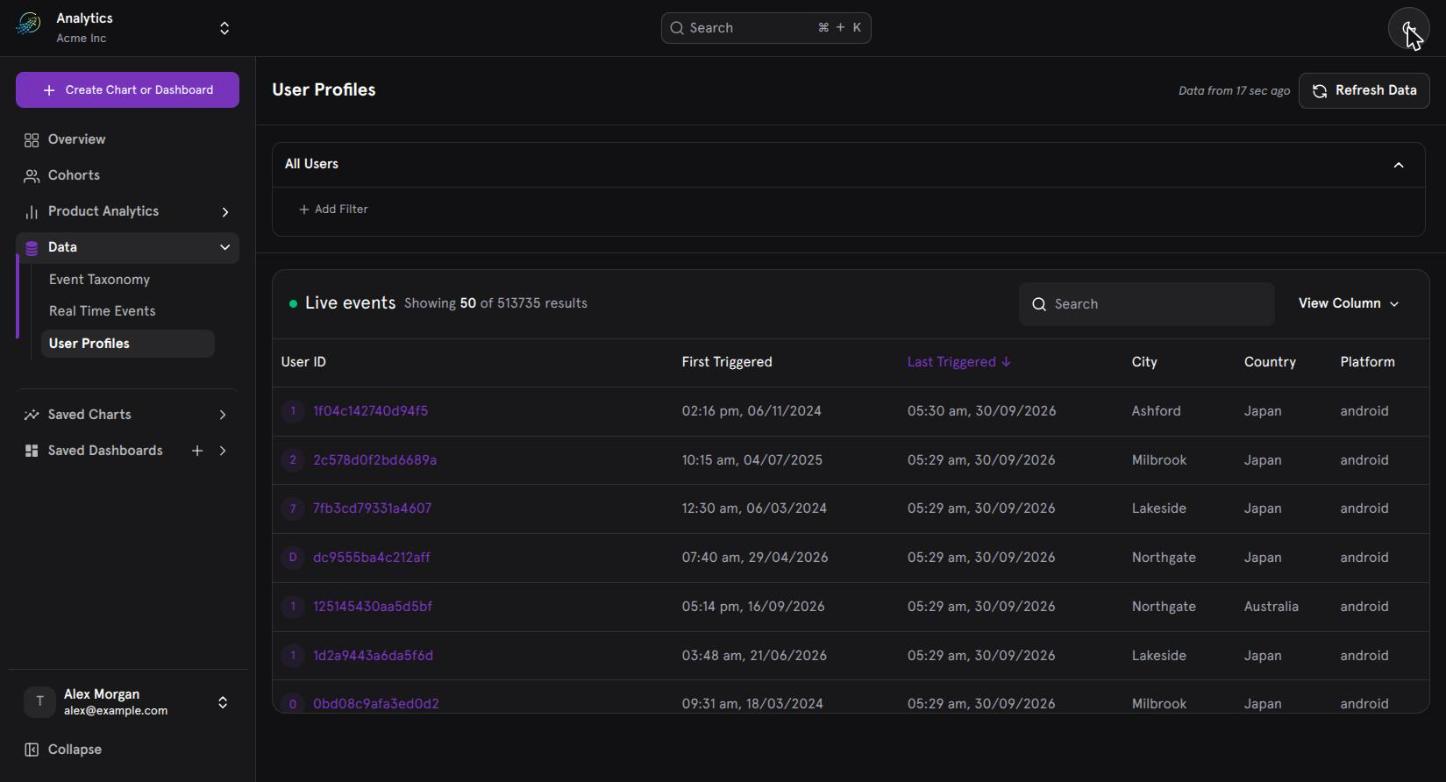
The User Profiles list, filtered to all users.
What User Profiles Helps You Understand
User Profiles is designed to answer questions such as:- What exactly did this user do?
- What properties are associated with this user?
- Which events did the user perform?
- When did the user’s activity occur?
- Why might this user have dropped off?
- Are the expected events being tracked correctly?
- What properties were associated with a specific event?
User Profiles at a Glance
The User Profiles experience has two main areas:- User List View - Find users that match specific profile or event conditions.
- User Profile Page - Investigate an individual user’s properties and event journey.
User List View
The User List View contains:- Filters Section
- Users Table
User Profile Page
The User Profile Page contains:- User Information Panel
- Activity Timeline
- Properties Panel
User List View
When you open User Profiles, the page displays the list of users. By default:- No filters are applied.
- No events are selected.
- The Users Table displays all available users.
Filters
The Filters section provides two ways to identify users:- Global Filters - Filter users based on their profile or system properties.
- Users Who Did - Filter users based on their event activity.
Global Filters
Global Filters allow you to find users based on user-level attributes.Available Properties
The property selector includes:- User Properties
- Default/System Properties
- Country
- Platform
- Device Type
- User ID
- Device ID
Applying a Global Filter
A typical filter consists of: Property → Value For example:Country = IndiaMultiple global filters can be applied. When multiple global filters are used, they are combined using AND logic.
Example
Suppose you configure:- Country = India
- Platform = Android
Users Who Did
The Users Who Did filter identifies users based on their event activity. You can select an event, define how many times it should have occurred, and specify when the activity should have happened. For example:
Users who performed HomePageLaunched at least once during the last 30 days.
Select an Event
Select any tracked event from the searchable event dropdown. For example:HomePageLaunchedPaymentCompletedCoursePurchased
Event-Level Filters
After selecting an event, you can apply event-specific conditions.Event Property Filters
Event properties can be used to further narrow the event activity. For example:Event =This identifies users who performed the selected event under the specified event-property condition.HomePageLaunched
Event Property: Country = India
First Time Filter
The First Time Filter identifies users who performed the selected event for the first time. This can be used when the analysis needs to distinguish a user’s first occurrence of an event from later occurrences.Duplicate
Duplicate creates another copy of the event condition. This can be useful when building multiple event conditions from the same event.Remove
Remove deletes the selected event condition from the filter.Event Count Conditions
For each selected event, you can define an aggregation condition based on the total number of times the event occurred. Supported operators are:Examples
At least one occurrenceTotal Events ≥ 1At least five occurrences
Total Events ≥ 5The condition determines which users are returned to the Users Table.
Time Range
Event-based filtering can be restricted to a specific time period.Predefined Time Ranges
Predefined ranges include Last 7 days and Last 30 days. You can also select a Custom Date Range. The selected time range determines which event activity is considered when identifying matching users.Multiple Event Conditions
You can add multiple events to the same event-based query. Three logical operators are supported.AND
The user must perform all selected events. Example:The resulting users must have performed both events.HomePageLaunchedANDPaymentCompleted
OR
The user must perform at least one of the selected events. Example:The resulting users can have performed either event.PaymentCompletedORLoanApplied
THEN
THEN represents a sequential event flow. Example:This represents users who performed the events in the specified order.HomePageLaunchedTHENPaymentCompleted
Negative Filtering
User Profiles also supports filtering for users who did not perform a specific event. For example:
Users who did NOT perform PaymentCompleted
This allows you to identify users who are missing a particular behavior.
Example: Find Users Who Visited the Homepage
Suppose you want to find users who launched the homepage at least once in the last 30 days. Configure the filter as:
The resulting users are displayed in the Users Table.
Users Table
The Users Table displays users matching the currently applied filters.Default Columns
The default table includes:- User ID
- Device ID
- First Triggered
- Last Triggered
- Country
- Platform
Available Columns
The table can be configured using the following available columns:Customize the Users Table
You can control which columns are visible using the column settings.Show or Hide Columns
Use column settings to:- Show available columns
- Hide columns that are not needed
Column Sorting
Table columns support:- Ascending sorting
- Descending sorting
Open an Individual User Profile
Selecting a user from the Users Table opens the User Profile Page. The profile provides three views of the selected user:- User Information Panel
- Activity Timeline
- Properties Panel
User Information Panel
The User Information Panel displays information associated with the selected user.User Identity
The panel displays:- User ID
- Device ID
- First trigger timestamp
- Last trigger timestamp
- Distinct ID
User Properties
Additional user attributes include:- City
- Country
- Carrier
- Device Family
- OS
- Platform
Latest Property Values
User properties display their latest values. For example, if a user’s platform or location changes, the profile displays the latest available value rather than presenting a historical sequence of property values.Activity Timeline
The Activity Timeline shows the selected user’s event activity over time. Events are:- Displayed in reverse chronological order (newest first)
- Grouped into sessions
Event Information
Each event displayed in the timeline includes:- Event name
- Timestamp
Main Landing Screen - 10:32 AM
Session Grouping
Events are grouped into sessions in the Activity Timeline. Each session includes:- Session start event
- Session end event
Timeline Interactions
The Activity Timeline supports several interactions.Scroll
You can scroll through the user’s event history.Load More
Additional events can be loaded when more activity is available.Search Events
The timeline includes a search option for events.Select an Event
Selecting an event opens its details in the Properties Panel. The Properties Panel updates based on the selected event.Select a Date Range
You can select a date range for the Activity Timeline. The timeline displays activity based on the selected date range. For example:Select a date range → View the user’s events that occurred within that period.
Properties Panel
The Properties Panel provides detailed information about the event selected in the Activity Timeline. By default, the panel is empty because no event has been selected. Once an event is selected, the panel displays properties associated with that specific event. The properties are organized into three categories:- Event Properties
- User Properties
- Default Properties
Property Views
The Properties Panel provides two views.Info View
Info View is the default view. It presents the selected event’s information in a structured property format.Raw View
Raw View displays the raw JSON/event payload associated with the selected event. This is particularly useful when inspecting the underlying event data.Dynamic Event Inspection
The Properties Panel changes when a different event is selected. For example:- Select Event A in the timeline.
- The Properties Panel displays Event A’s properties.
- Select Event B.
- The Properties Panel updates to display Event B’s properties.
A Typical User Investigation
A common workflow is to start with a group of users and then investigate an individual user.Step 1: Find the Users
Use Global Filters to find users based on properties. For example:Country = India
Platform = Android
Step 2: Add Event Behavior
Use Users Who Did to identify users based on their activity. For example:
HomePageLaunched → Total Events ≥ 1 → Last 30 days
Step 3: Review the Users Table
Review the matching users and their:- User ID
- Device ID
- First Triggered
- Last Triggered
- Country
- Platform
Step 4: Open a User
Select an individual user to investigate their behavior.Step 5: Review User Information
Check:- Identity information
- Current user properties
- First and last trigger timestamps
Step 6: Review the Timeline
Inspect the user’s events in reverse chronological order and across sessions.Step 7: Select an Event
Select an event that requires investigation.Step 8: Inspect Event Details
Use the Properties Panel to inspect:- Event properties
- User properties
- Default properties
Common Use Cases
Understand a User Journey
Use the Activity Timeline to see the sequence of events performed by an individual user.Investigate Drop-Offs
Start by identifying users based on their behavior, then inspect an individual user’s timeline to understand what happened before the expected next action.Debug Event Tracking
Select an event and inspect its properties and raw payload. This can help teams verify whether the expected event information is being received.Investigate a Support Issue
Find the relevant user using profile or event conditions and inspect their individual activity.Validate User Properties
Open a user profile and review the latest values of properties such as:- Country
- Platform
- Device Family
- OS
- Carrier
Key Concepts
Summary
User Profiles provides a user-level investigation workflow on top of aggregated analytics. The overall experience is: Find Users → Filter by Properties or Behavior → Review Users Table → Open a User → Inspect User Information → Explore Activity Timeline → Select an Event → Inspect Event Properties It combines:- User-level filtering
- Event-based filtering
- Multiple event conditions
- User identity and properties
- Session-grouped activity
- Event-level inspection
- Structured and raw event views